
 Sketch Game
Tap to Fill or
Sketch Manually
On Your Own Canvas
A beautiful digital coloring sanctuary built for creators of all ages looking to unwind. Switch instantly from guided tap color stages to fine pencil strokes or a freeform blank canvas.
How PaintHue Sparks Joy
Three simple milestones to master digital creation and relaxation.
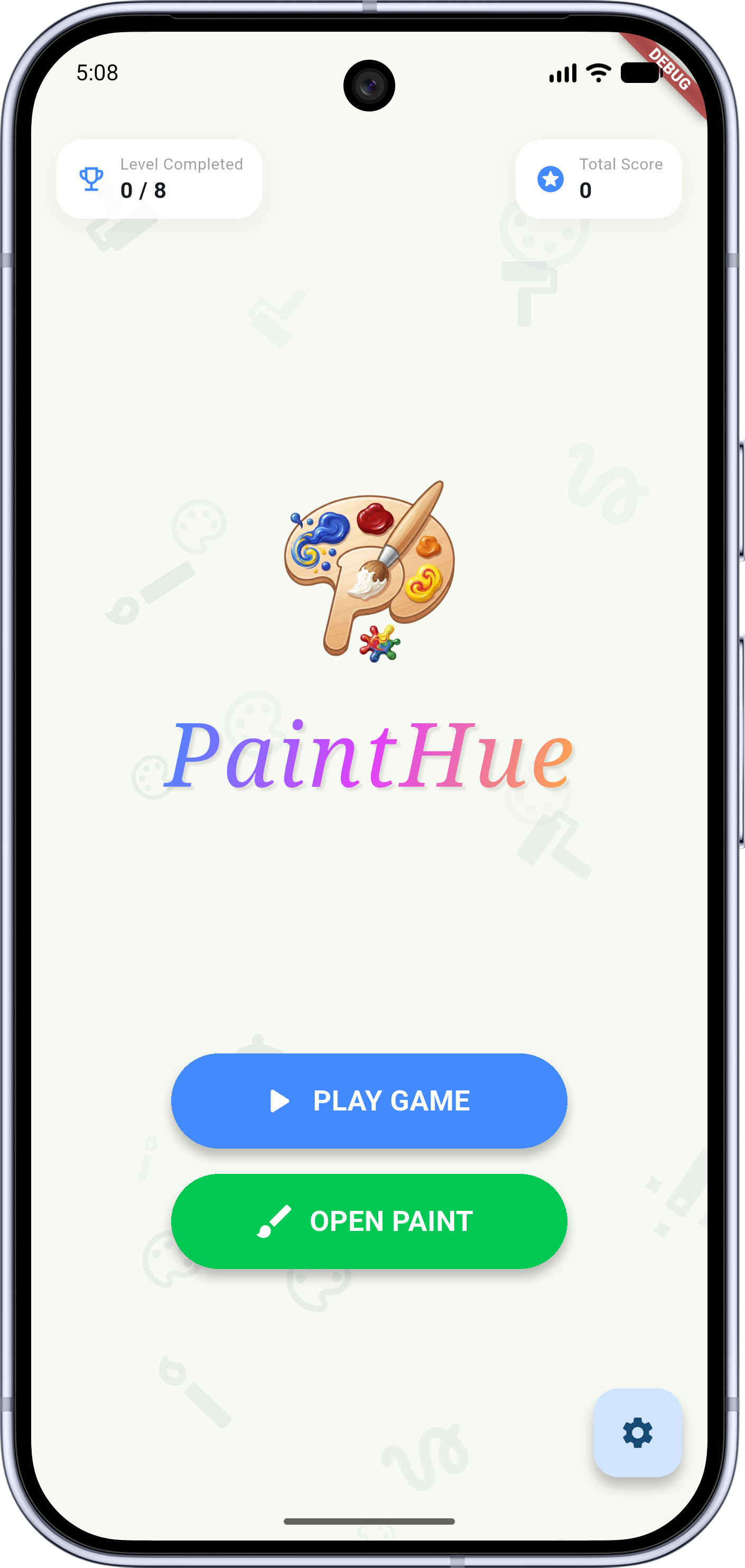
Select Your Template
Choose from over 200 black and white outline vector templates ranging from cute forest bunnies to cosmic sky sunflowered levels.
Pick Your Play Style
Go fast using smart vector Tap-to-Fill boundaries, outline manually with the fine pencil brush tool, or create blank slates in Free Draw.
Track, Save & Share
Keep track of real-time Completion trackers. Export high-res drawing renders directly to your gallery to show family and friends.
Three Dedicated Workspace Modes
A side-by-side look at how PaintHue supports different creative skill levels statically.
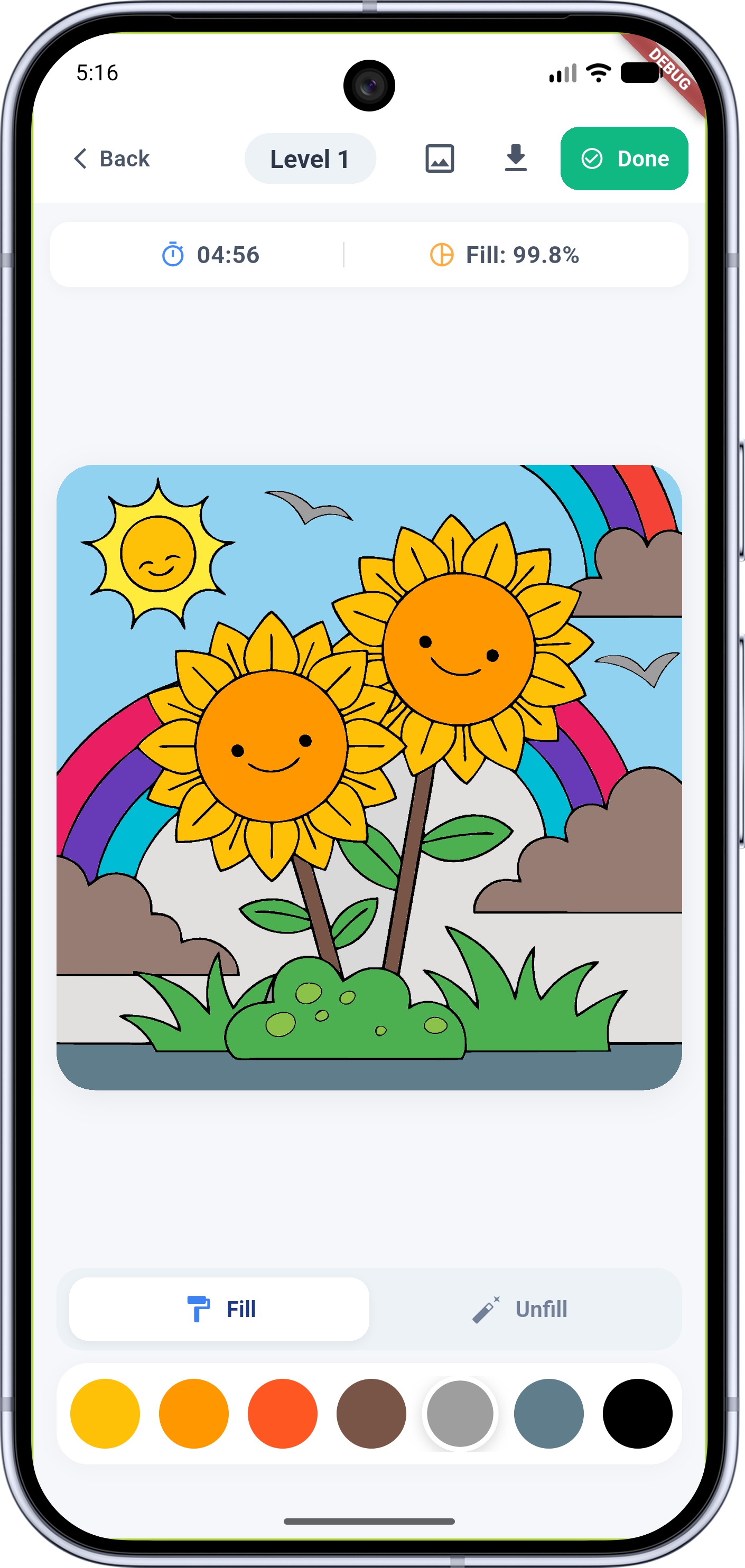
Guided Challenges
Choose custom vectors like Sunflower gardens. Tap to auto-fill colored sections perfectly without line-bleed constraints. Realtime tracking computes your progression score beautifully.
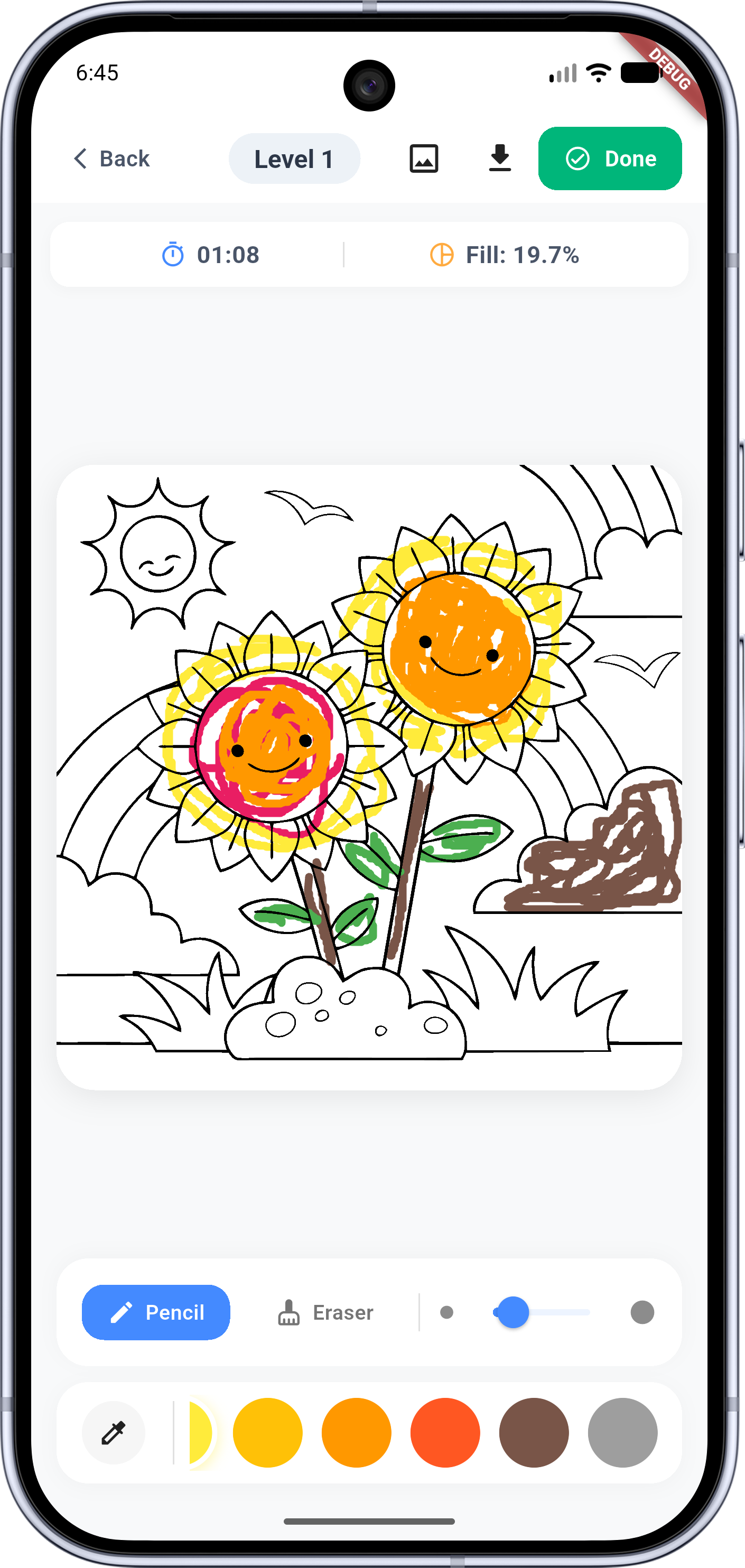
Pencil Outline Controls
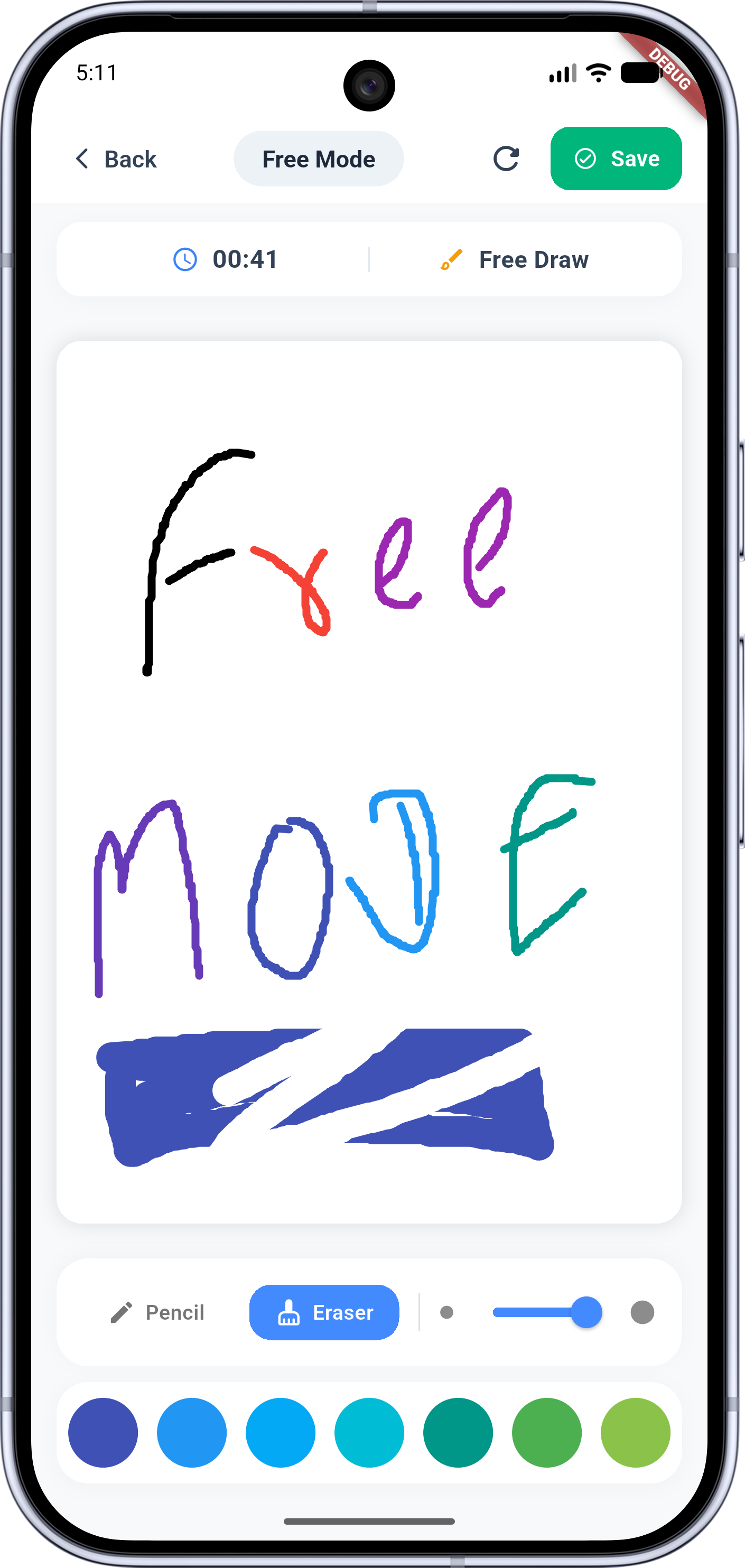
Perfect for motor-skill development and shading. Select customized brush dimensions, eraser controls, and transparency sliders to color contour layouts manually.
Blank Slate Sandbox
Create drawings on empty canvases. Access the complete spectrum of standard color drawers, manual transparency coordinates, and brush dynamics without template constraints.
Before & After Outline Progress
A static side-by-side view showing the structural complexity of a level before and after custom color fills.
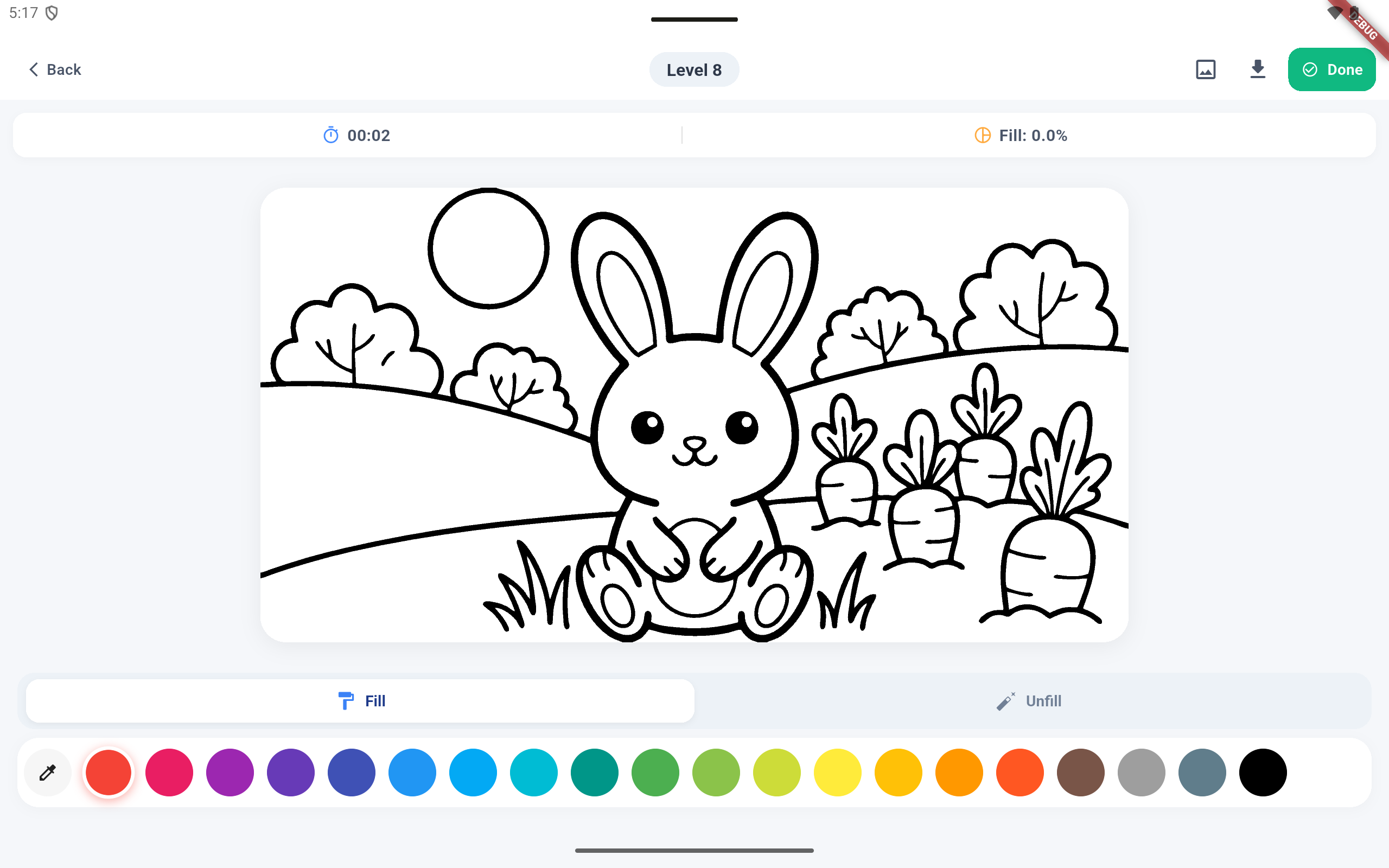 RAW LEVEL 8 OUTLINE
Crisp, scalable vector paths optimized for easy region filling.
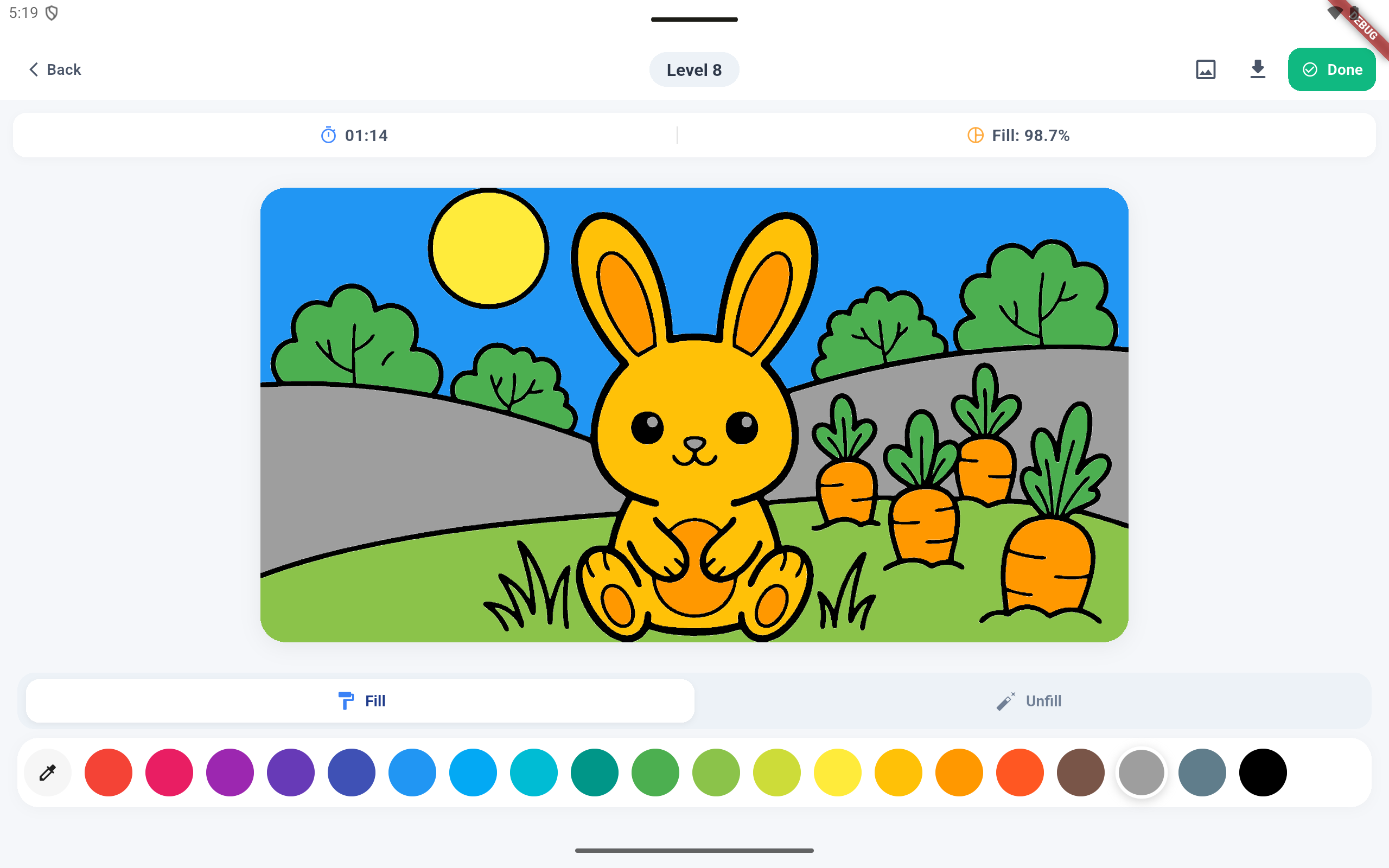 COMPLETED LEVEL 8 ARTWORK
Beautifully shaded sunflower fields with precise color alignments.
Vibrant Themes For Everyone
Over 200+ design vectors categorized by educational themes and difficulty levels.
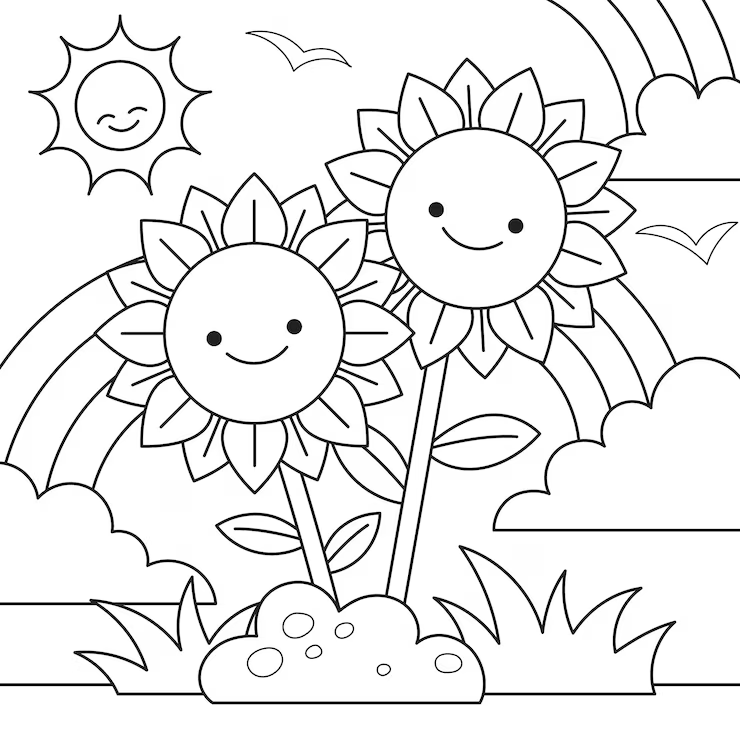 LEVEL 1
Sunflower Garden
Nature & Flowers
Warm sky gradients, cheerful flowers, and rainbows.
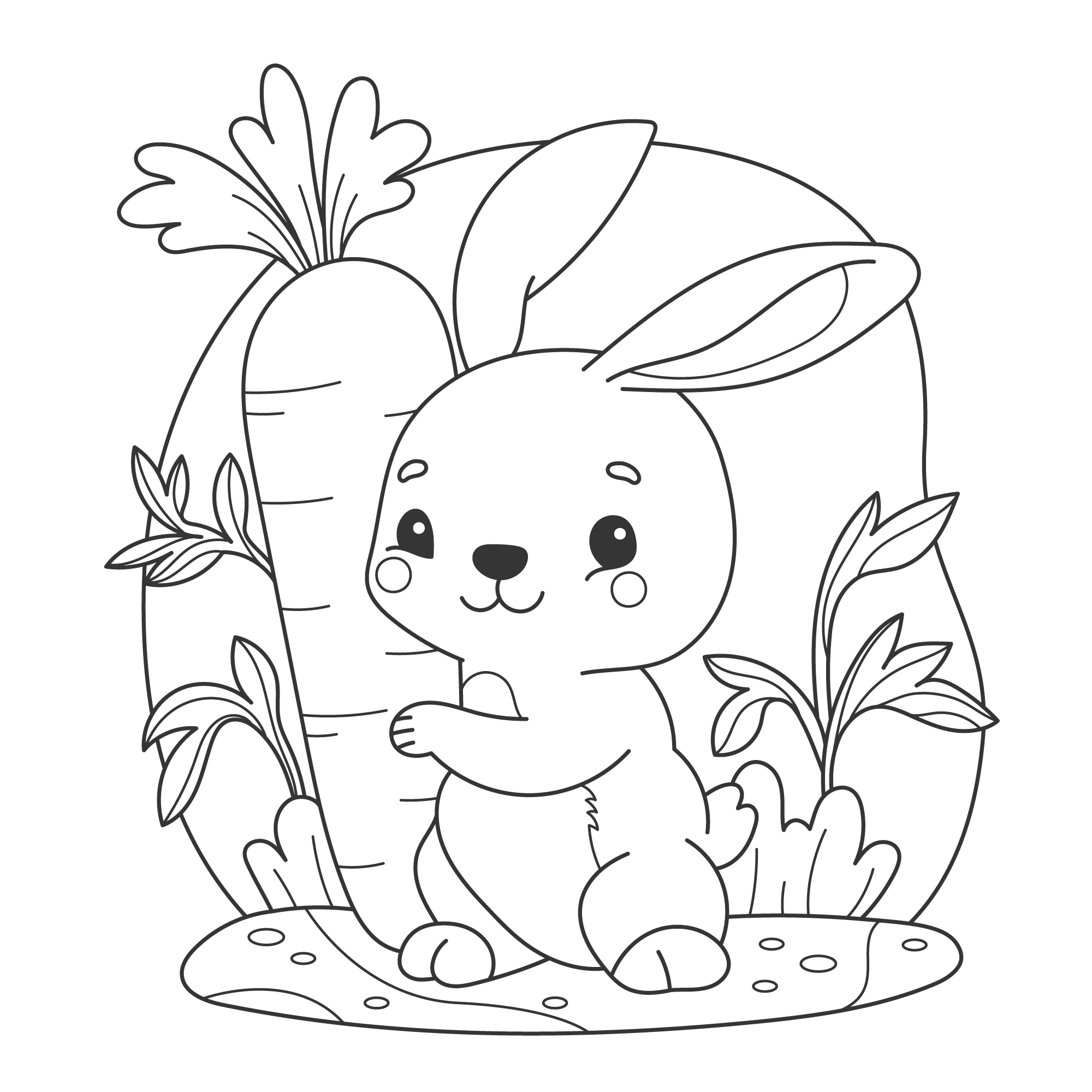 LEVEL 2
Forest Bunny
Cute Animals
Sweet wilderness rabbit holding fresh garden carrots.
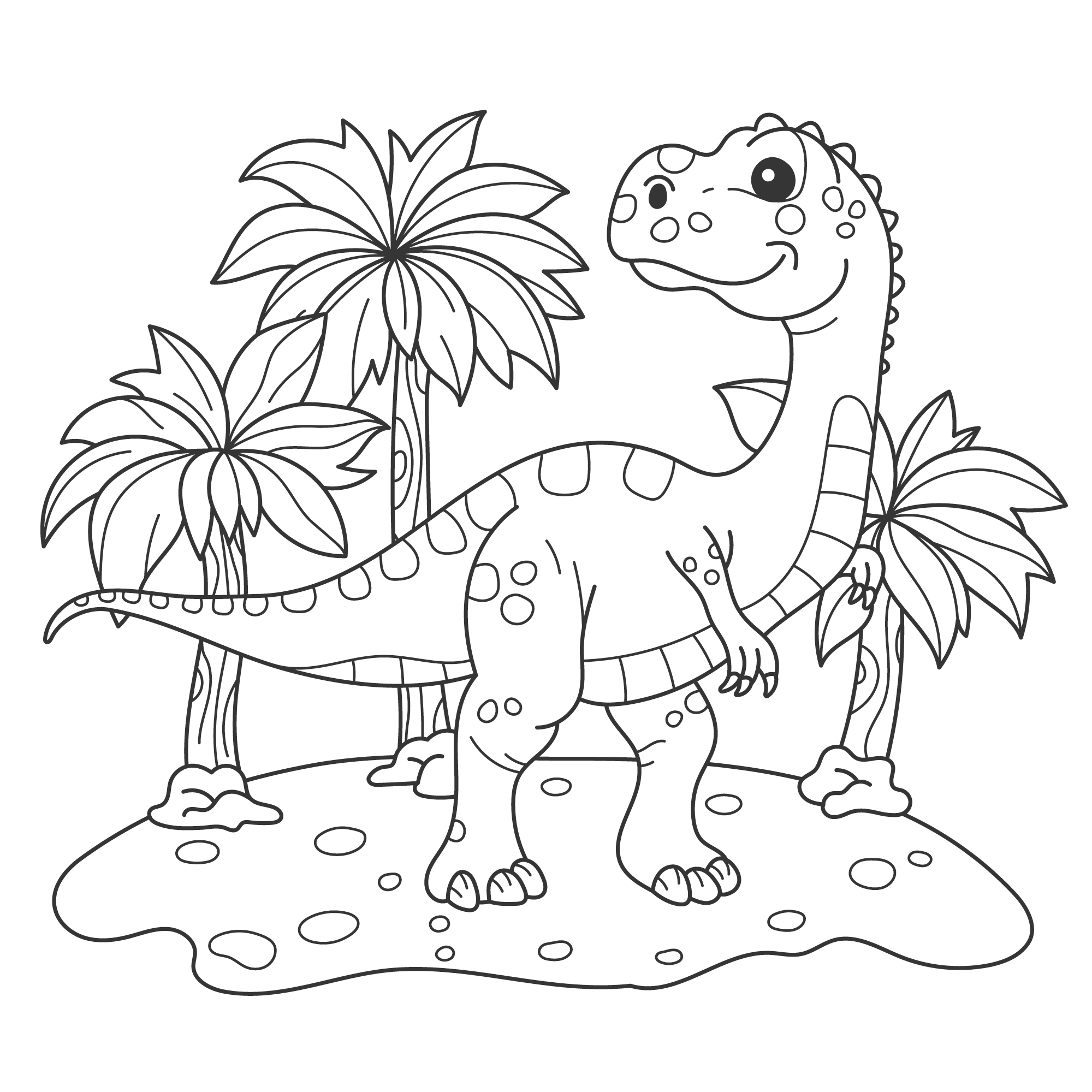 LEVEL 3
Jurassic Park Dino
Prehistoric
Little friendly Brontosaurus exploring ancient woods.
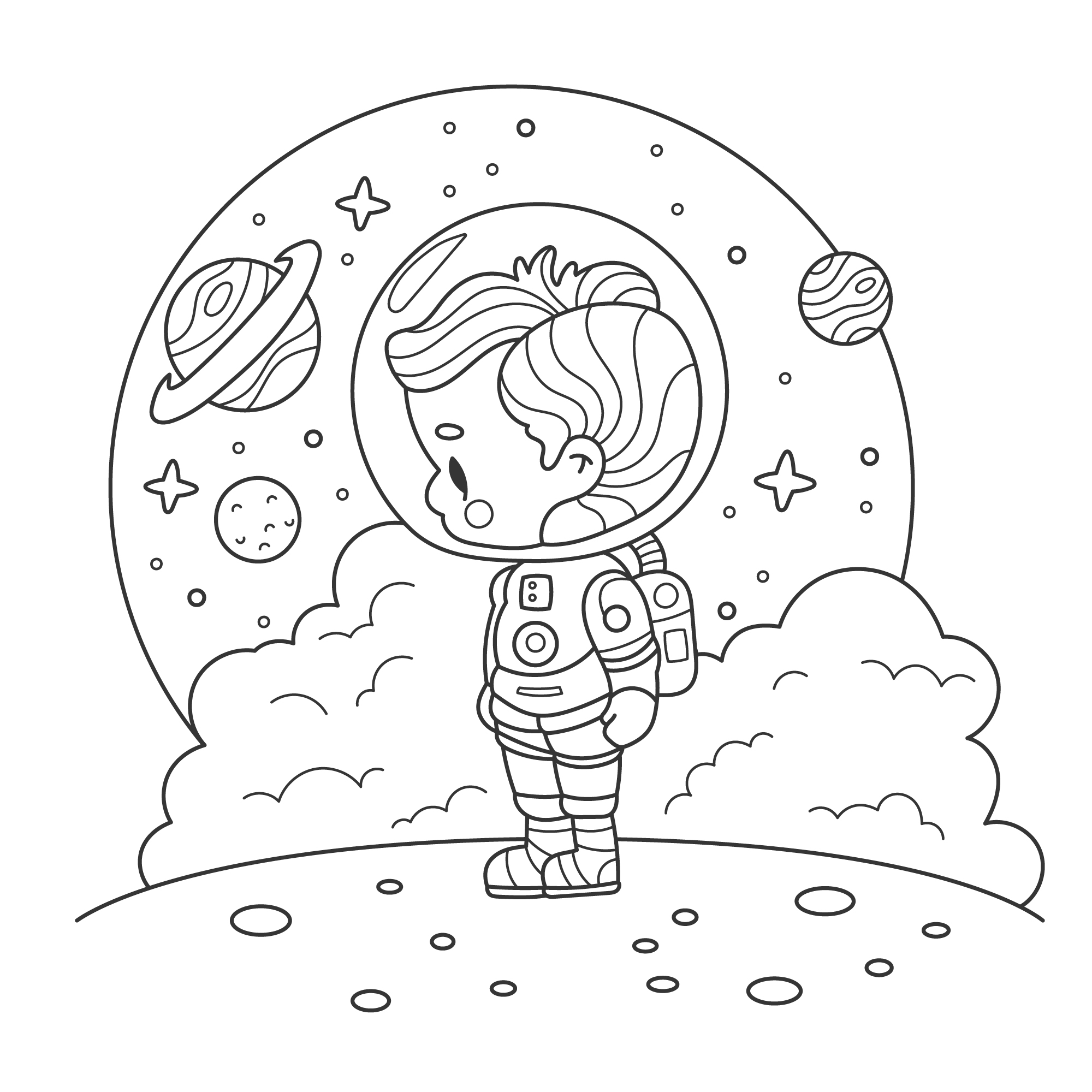 LEVEL 4
Outer Space Voyage
Cosmic Voyage
Fun rockets crossing planetary fields and nebula dust.
Granular Colors & Opacity
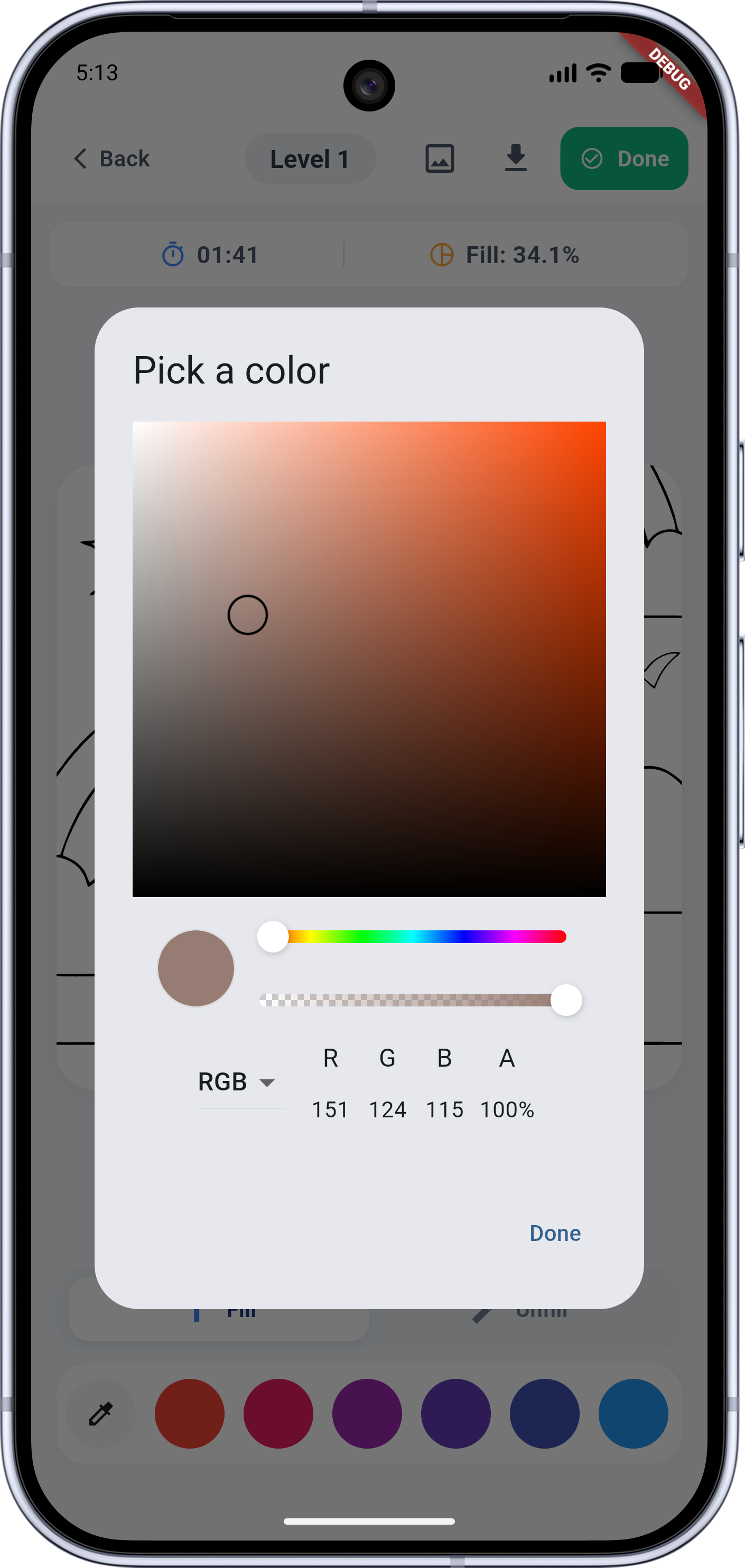
PaintHue incorporates a professional color mixer directly inside the game loop, making manual color coordination intuitive for kids and adults alike.
Dynamic Palette Drawer
Select from pre-defined, kid-friendly palettes, or create unique combinations for advanced shading.
Alpha Opacity Control
Set exact opacity coordinates from 0% to 100% to create overlapping color mixtures or transparent shadows.
RGBA Parameters Panel
Monitor RGB and decimal alpha coordinates inside the picker panel for fine-tuned precision.
Purpose-Built for All Generations
A sensory-friendly sandbox designed to foster fine motor coordination and mindful relaxation.
Child Development & Learning
Helps toddlers and pre-schoolers practice steady motor control. Our responsive outlines, multi-size pencil adjustments, and Tap-to-Fill boundaries support coordinates training and spatial awareness.
- ✓ Promotes precision pencil strokes
- ✓ Introduces geometry patterns and recognition
- ✓ Safe navigation designed for children
Mindfulness & Stress Relief
Unwind with soothing, infinite coloring palettes. Re-centering focus on complex line parameters helps lower daily screen stress, offering adults a peaceful meditation space.
- ✓ Supports relaxation with slow-paced gameplay
- ✓ Clean sandbox design with zero interruptions
- ✓ Direct canvas exports to share your work
Optimized Tablet Layout Interfaces
PaintHue completely adapts its interface layout statically when rotated to landscape or running on tablet devices.
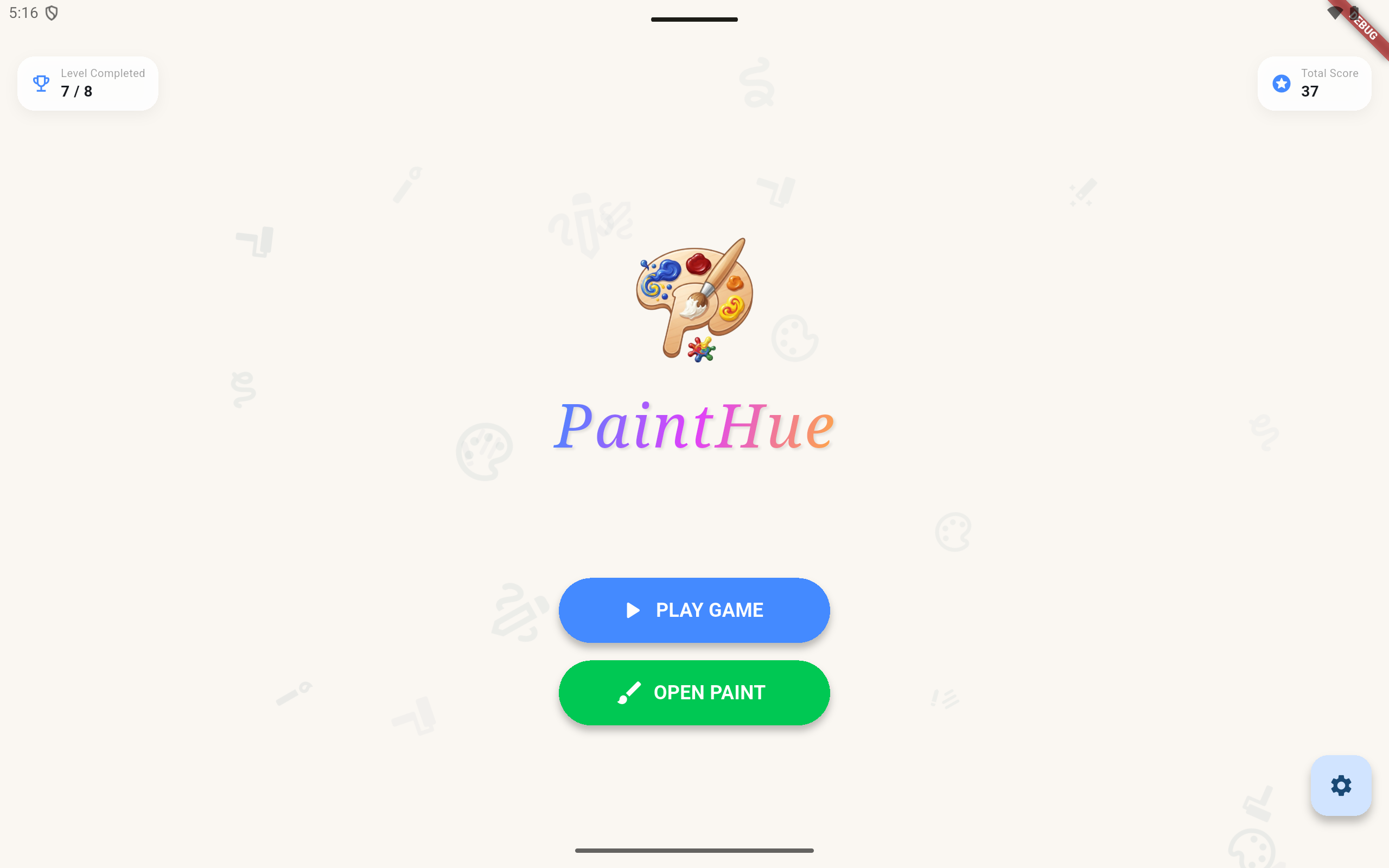
Tablet Home Menu Interface
Wide orientation screen balancing system menus and level selections.
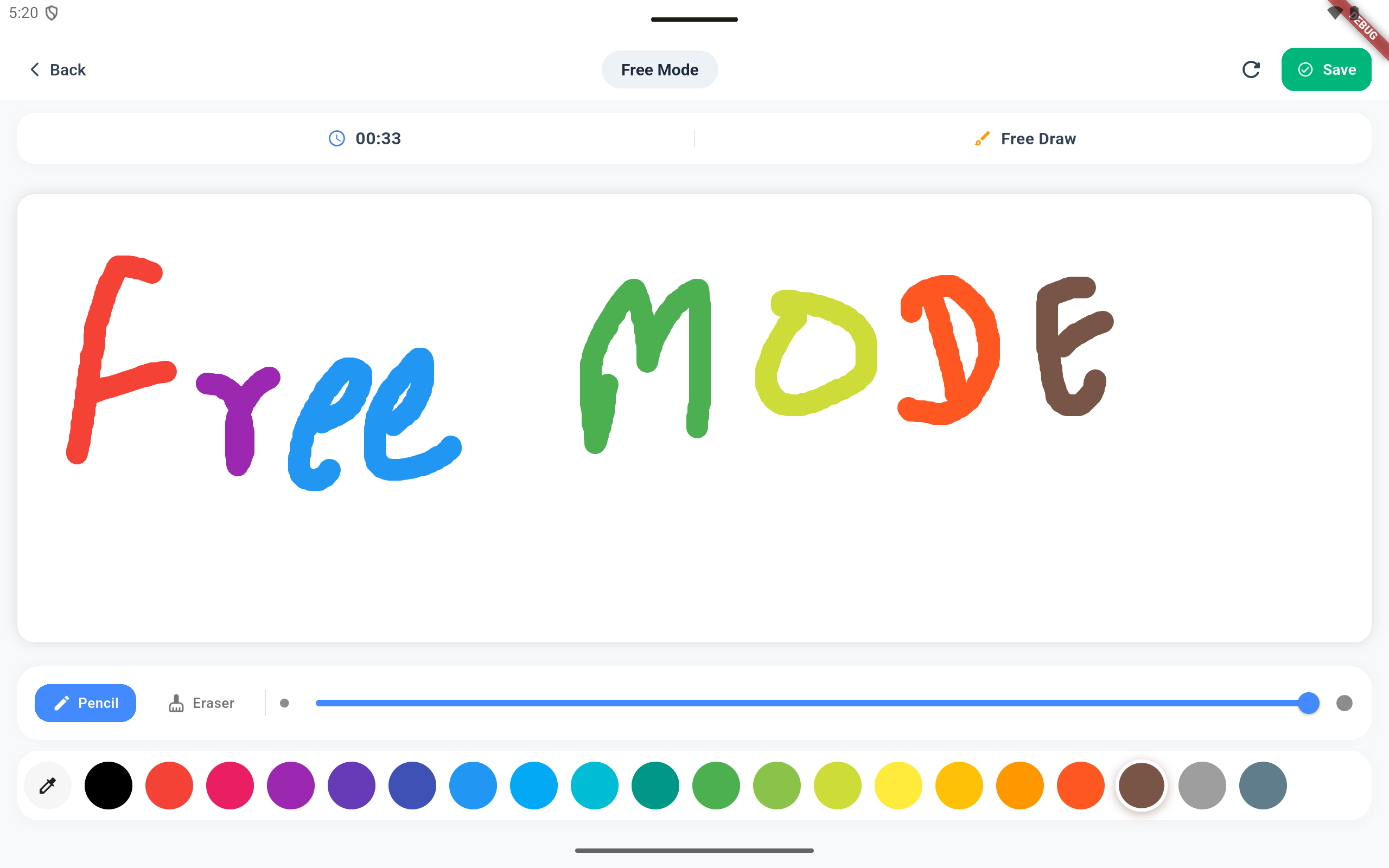
Tablet Free Mode Workspace
Bottom horizontal slider bar layout keeps the creative drawing canvas maximized.
Direct Device Gallery Saves
Easily store your completed paintings inside your smartphone or tablet photo library. Export your raw outlines or fully painted boards in crisp digital output.
Color Progress Retention
Your exact progress parameters and percentage values are retained locally. Feel free to color half-finished templates and return whenever you want to complete your masterpiece.
Save & Export Your Painted Masterpieces
PaintHue is built to be a premium digital coloring workspace. Please note that **there are no physical document, PDF book, or printable paper download options** on this page. Instead, the application allows you to download and export the exact digital image that you have painted yourself directly to your device local storage.
Parents' Corner & FAQs
Your privacy, offline availability, and drawing device compatibility questions resolved.
👶 Is PaintHue safe for children?
Absolutely! PaintHue is engineered under tight COPPA safety compliance guidelines. There are no unsolicited external redirect paths, and we prioritize a quiet sandbox interface that minimizes overstimulation.
✈️ Can my child use PaintHue offline?
Yes! Once installed, all standard outlines, canvas frameworks, color coordination modules, and saved local levels function 100% offline. Perfect for flights, road trips, and locations without cellular connectivity.
🎨 What drawing devices are officially supported?
PaintHue supports direct multi-touch inputs, generic capacitive stylus pens, Apple Pencil (iPadOS), and Samsung S-Pen devices. Fine pressure-sensitivity automatically adapts depending on your input hardware!
🎒 Are there custom coloring books for educational themes?
Yes, our level packs are sorted into educational directories (Animals, Nature, Spaces, Geometry). This helps children recognize vocabulary terms and nature structures as they play.